You haven't signed in yet, you can have a better experience after signing in
*Please complete the payment within {{receiveCouponInfo.expire_at}}Previous use*
You haven't signed in yet, you can have a better experience after signing in



Activity Rules
1、Activity time:{{ info.groupon.start_at }} ~ {{ info.groupon.end_at }}。
1、Activity time:cease when sold out。
2、Validity period of the Group Buying:{{ info.groupon.expire_days * 24 }} hours。
3、Number of Group Buying:{{ info.groupon.need_count }}x。
Please Pay Attention
1、Teamwork process: Join/initiate a Group Buying and make a successful payment - Within the validity period, the number of team members meets the activity requirements - Group Buying succeeded!
2、If the number of participants cannot be met within the valid period, the group will fail, and the paid amount will be refunded in the original way.
3、The number of people required and the time of the event may vary among different products. Please pay attention to the rules of the event.
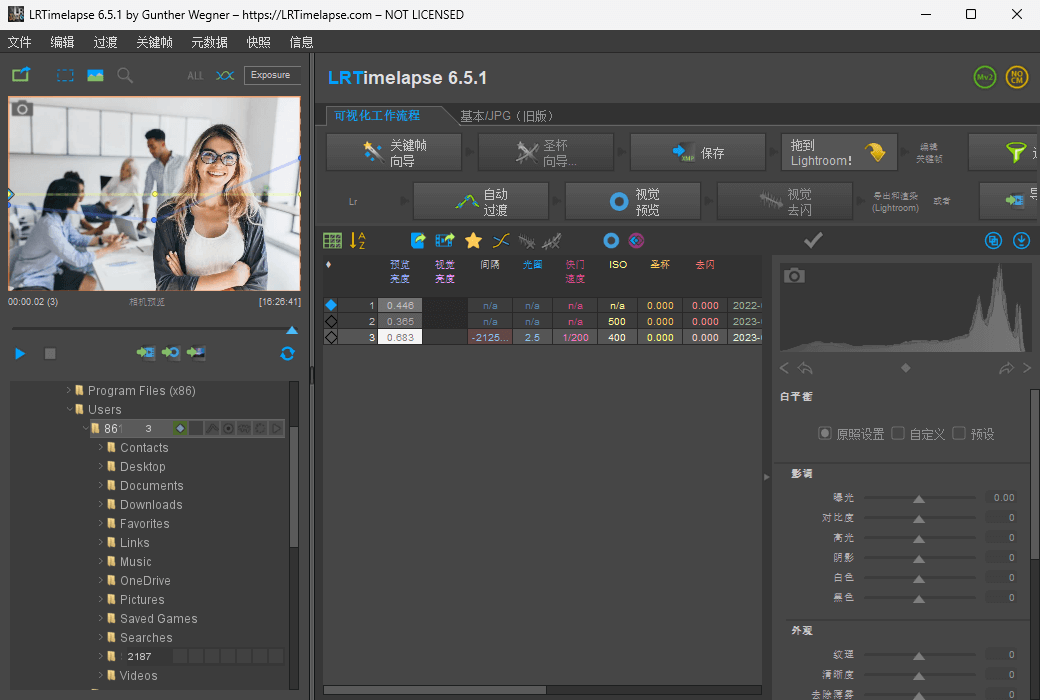
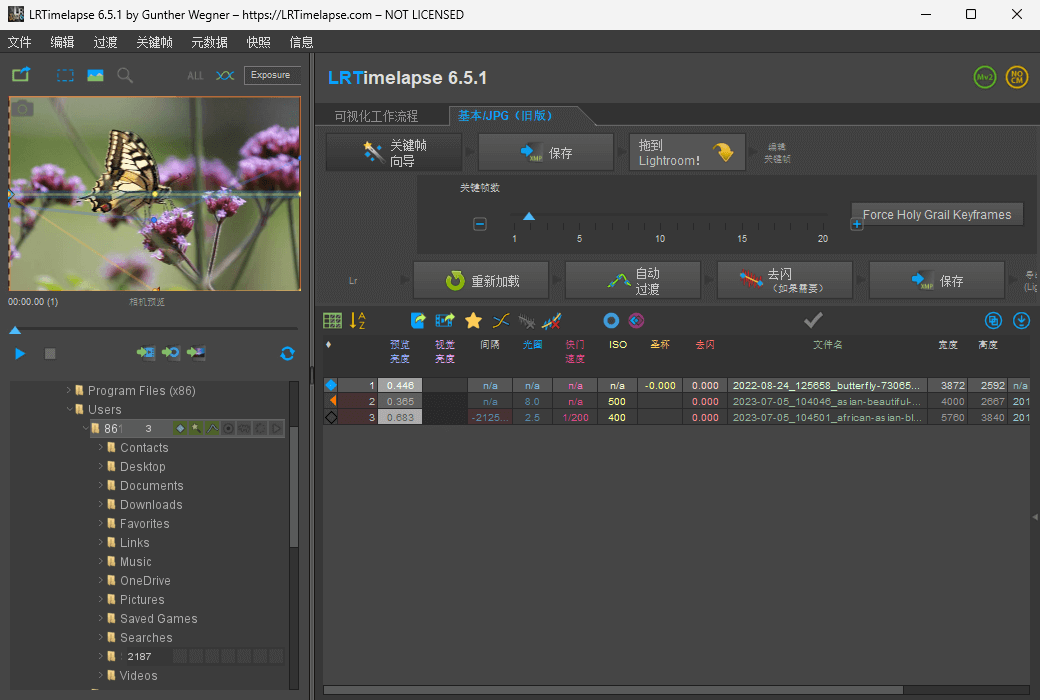
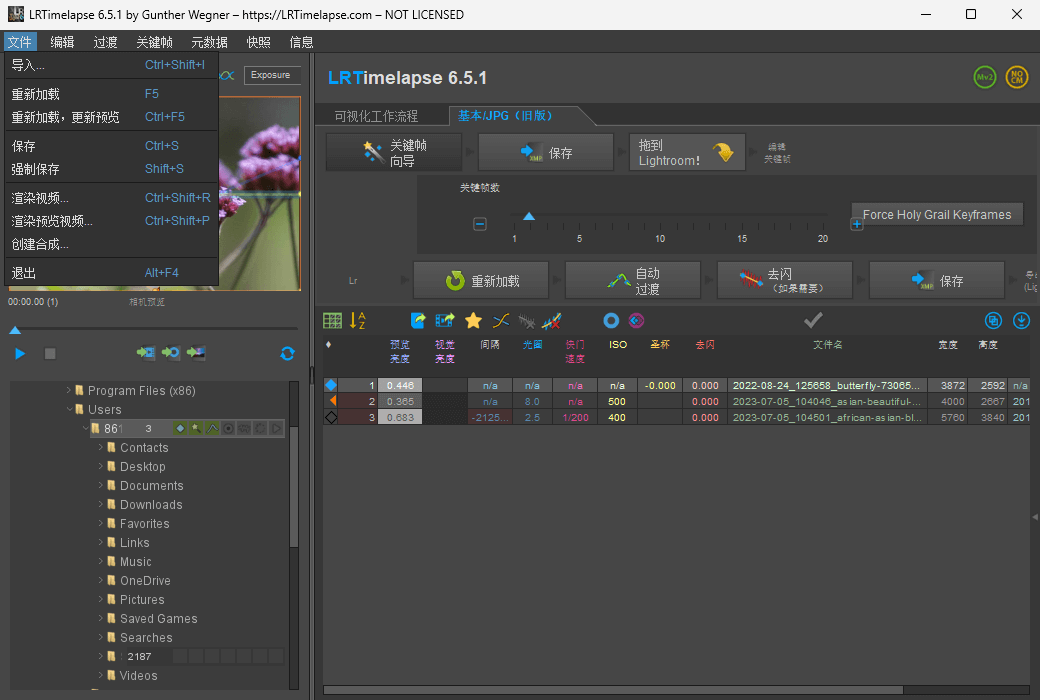
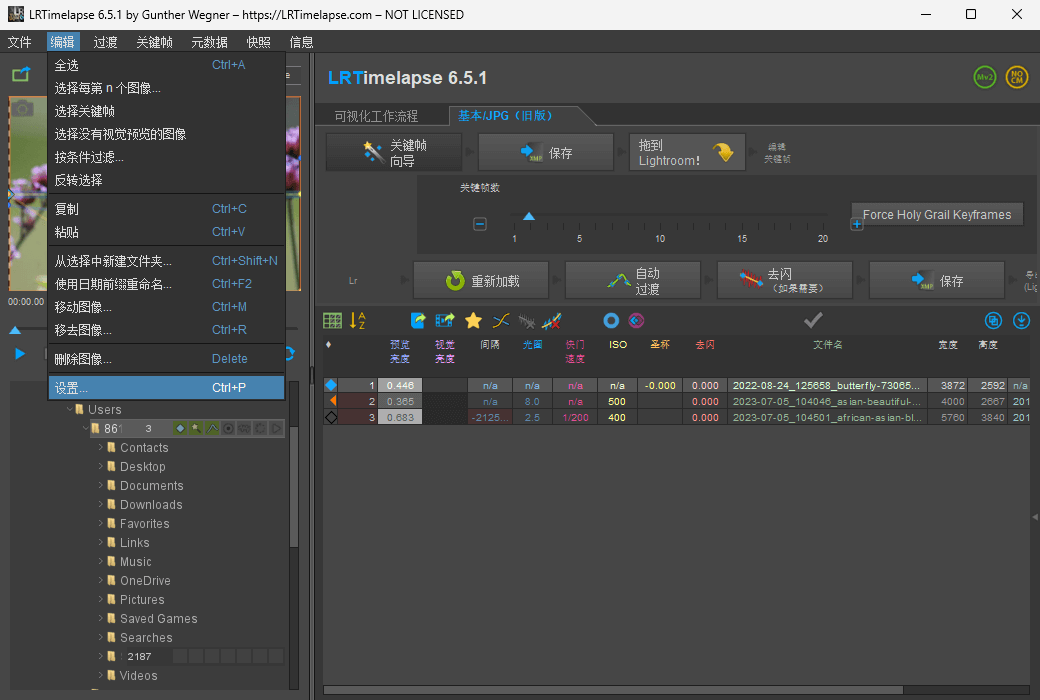
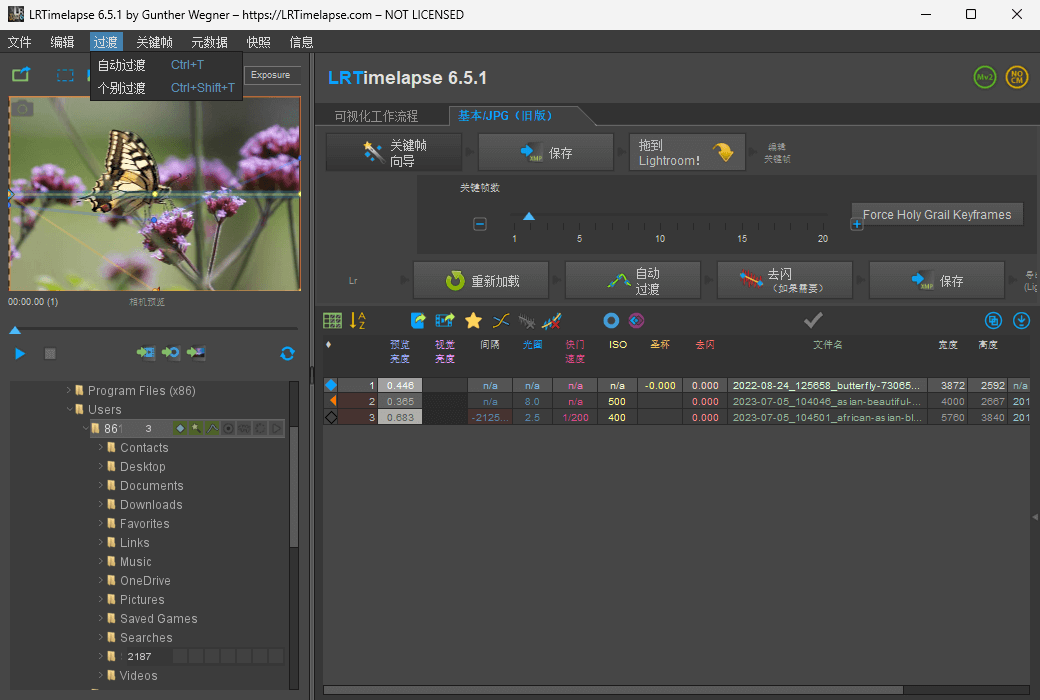
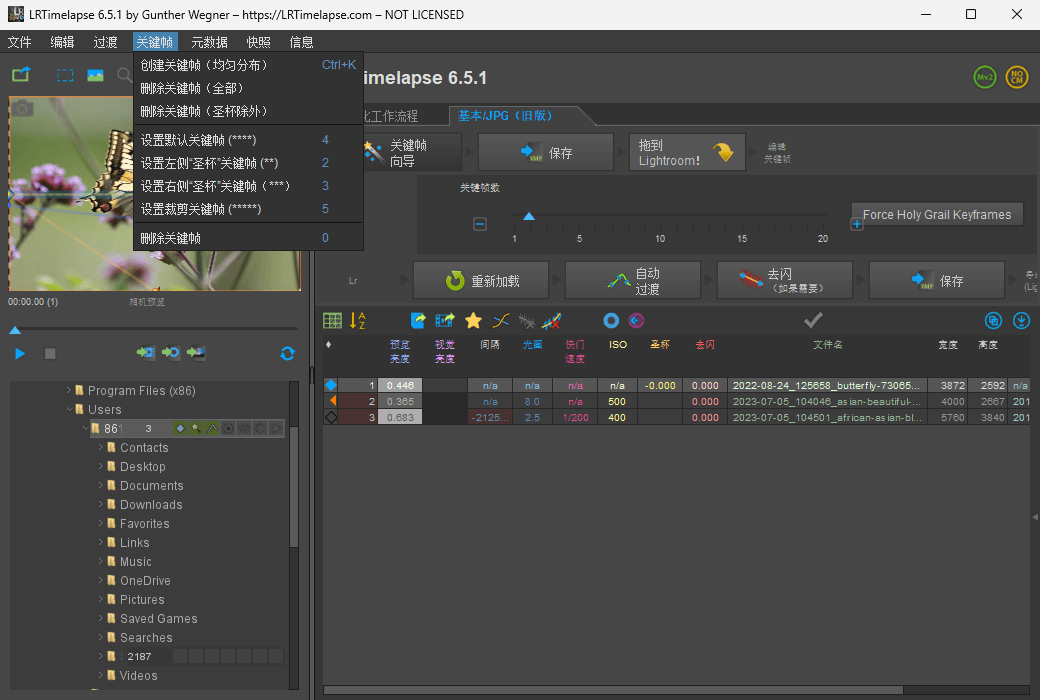
LRTimelapse provides the most comprehensive solution for time-lapse editing, keyframe setting, grading, and rendering.
No matter whether you are using Windows or Mac, or which camera you are using: LRTimelapse will take your time lapse results to a new level.
LRTimelapse is used by most time-lapse photographers around the world (see some outstanding works completed by LRTimelapse users on the demo page) because it allows them to use their favorite photography tools (Lightroom Classic or Adobe Camera RAW) to create time-lapse images with all the advantages and features these tools offer in image editing.
Official website:https://lrtimelapse.com/
Download Center:https://lrtimelapse.apsgo.cn
Backup Download:N/A
Delivery time:Manual processing
Operating platform:Windows、macOS
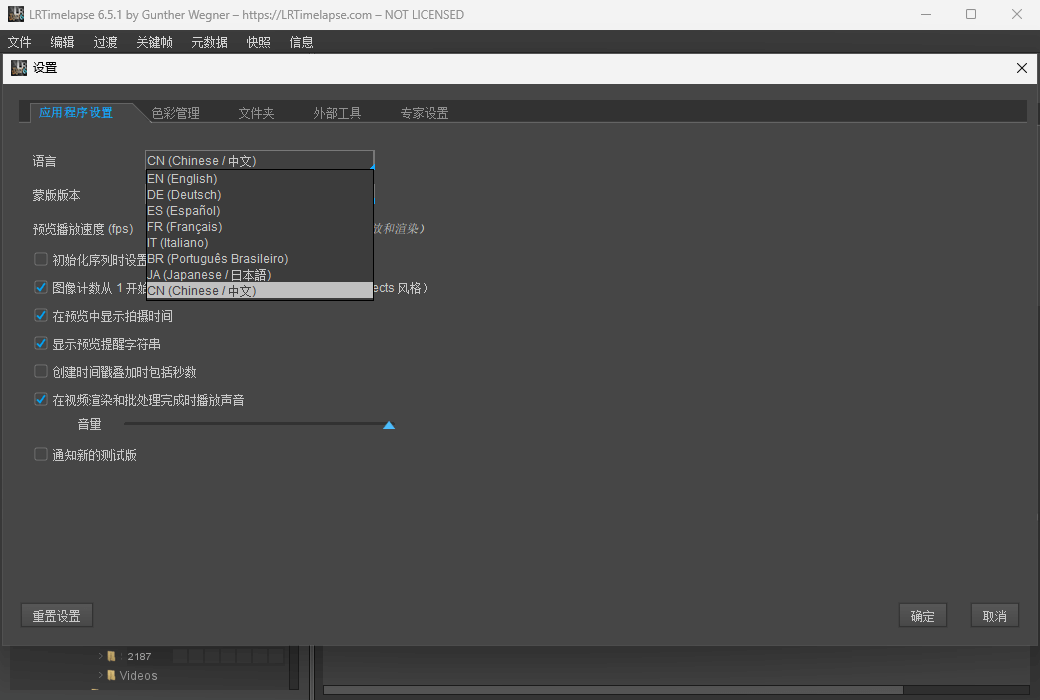
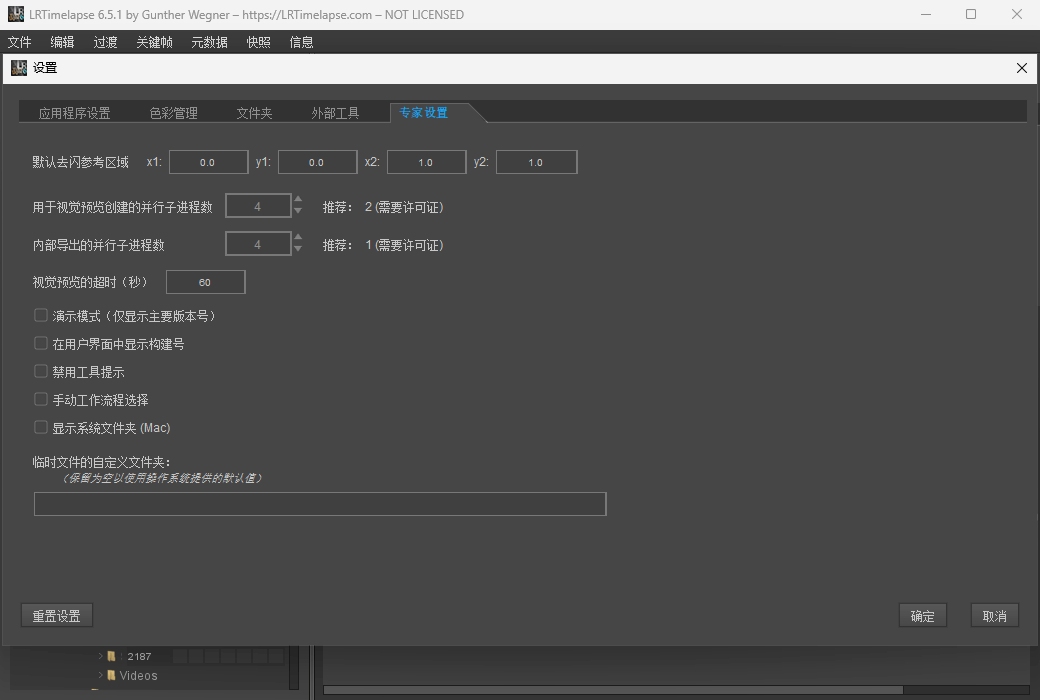
Interface language:Supports Simplified Chinese, English, German, Spanish, Italian, and Portuguese.
Update instructions:Support minor version upgrades and updates (v7. x).
Pre purchase trial:Free trial before purchase.
How to receive the goods:After purchase, the activation information will be sent to the email address at the time of placing the order, and the corresponding product activation code can be viewed in the personal center, My Orders.
Number of devices:Can install 2 computers.
Replacing the computer:Uninstall the original computer and activate the new computer.
Activation guidance:To be added.
Special instructions:To be added.
Reference materials:https://lrtimelapse.com/faq/

Any question

在 MacOS 上,应用程序不再允许访问文档文件夹、桌面文件夹、网络驱动器和外部卷
LRTimelapse 不想限制你存放延时照片文件的地方,因此它需要访问这些位置
它们位于LRTimelapse构建的文件夹树内,随着树的构建,LRTimelapse会请求访问
此外,轻推延迟的应用文件/LRTimelapse对于Lightroom界面和日志来说,这意味着当有人问你时,至少需要允许访问文档文件夹,否则LRTimelapse无法使用
我强烈建议你同意使用LRTimelapse时OSX会显示的所有访问查询,否则可能会在工作流程中出现问题!
每个权限通常只会被问一次,OSX会记住
全磁盘访问
如果你遇到任何问题,我建议允许全磁盘访问用于LRTimelapse和Adobe DNG转换器